
The short answer
To send inventory to Amazon FBA, create the shipment in Seller Central's Send to Amazon workflow, confirm what is packed, select the shipping method, print the required labels, and complete the carrier handoff. Then monitor the shipment through receiving. A carrier label moves the box; an FBA box ID label identifies it to Amazon. They do different jobs.
This guide covers US inbound shipment planning after your products are prepared. For unit barcodes and protective packaging, use the separate Amazon FBA prep requirements checklist. Follow the current instructions for your actual shipment in Seller Central if they differ from this overview.
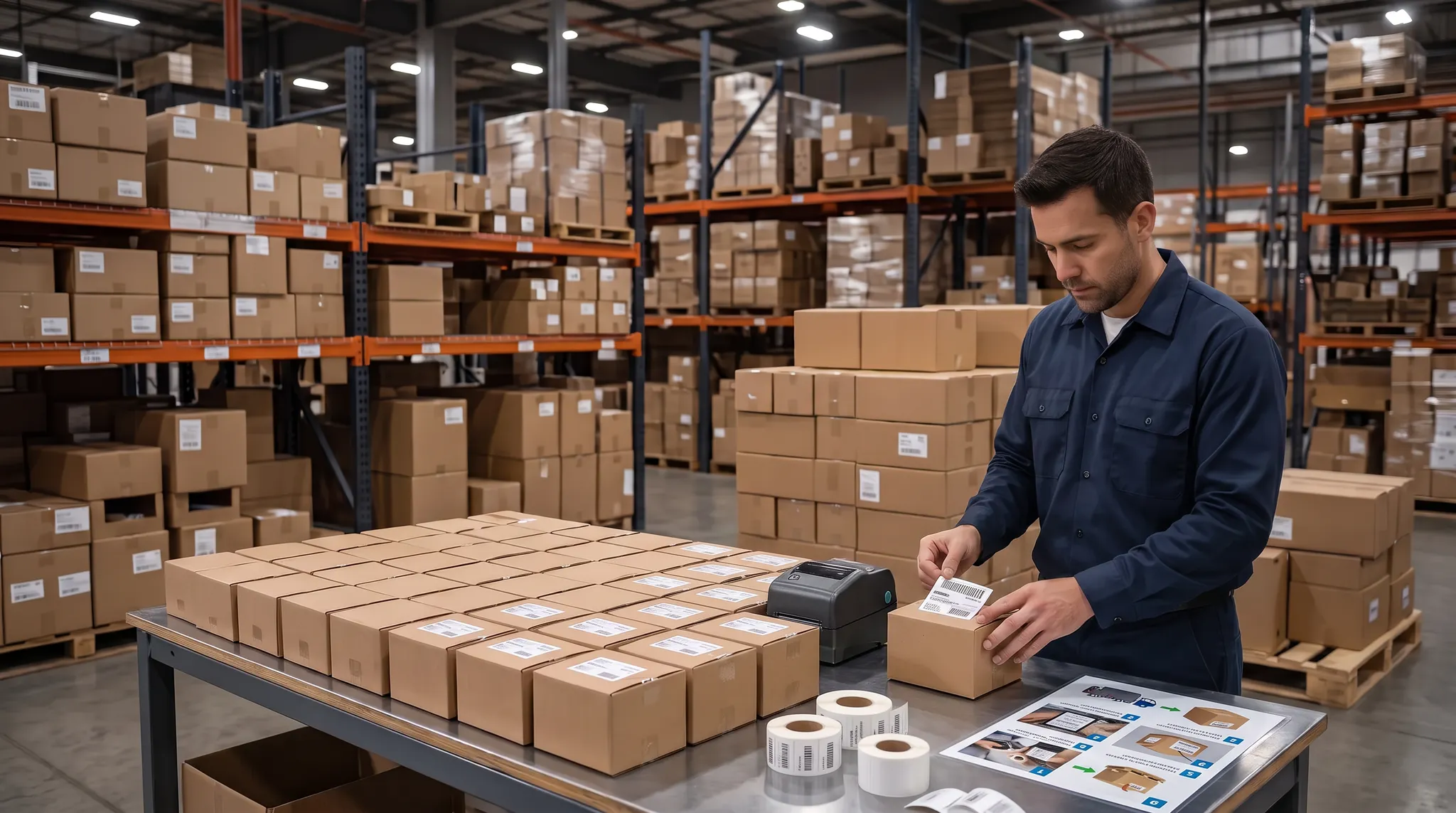
Warehouse images are illustrative, not photographs of Rocket Packaging's facility or team.
Before inventory leaves
Use this release checklist with your warehouse or prep partner:
- Selected SKUs and quantities match the inventory you intend to send.
- Each carton has a record of its contents, weight, and dimensions.
- Shipment destinations and shipping options are confirmed in Seller Central.
- Amazon receiving labels and carrier transport labels are matched to the correct boxes.
- Freight shipments have the required pallet labels, documents, and delivery appointment arrangements.
- Someone owns tracking, receiving checks, and exception follow-up after pickup.
The recordkeeping and ownership checks are practical recommendations. Amazon's shipment workflow and carrier-specific instructions determine the requirements for your shipment.
Create the shipment plan
Open Send to Amazon from the Shipping Queue in Seller Central. Choose the inventory to send, then complete the packing and shipping stages shown for your shipment. Amazon's official workflow overview describes inventory selection, packing, shipping confirmation, box labels, and the additional carrier and pallet stages for freight.
The workflow supports single-SKU and mixed-SKU boxes, with reusable case-pack templates for single-SKU boxes. A template is useful only when it still matches the physical pack. Recheck it when the units per carton, carton size, or product preparation changes.
Before your team seals boxes, agree who approves the shipment and who receives the final labels. Keep different shipment IDs and destinations separated during staging. Do not treat an old shipment plan as the destination for a new replenishment.
Keep a carton record
A shipment total does not tell your team which units went into which box. Keep a carton-level record that connects the physical pack to the information entered in the workflow.
A useful internal record includes:
- Carton reference and assigned shipment ID.
- SKU and unit count for every product inside.
- Actual packed weight and dimensions.
- The label file used for that box.
- Any discrepancy found during packing and how it was resolved.
These are recommended handoff fields, not a substitute for Amazon's required box-content submission. Complete the method shown in Seller Central. If a box changes after its contents were recorded, update the record and the shipment information before release. Do not leave the warehouse working from one version while the seller account holds another.
Choose parcel or freight
Small-parcel delivery moves individual boxes. Less-than-truckload shipping, or LTL, shares trailer space with other shipments. Full-truckload shipping, or FTL, uses a truck for the shipment.
Amazon's Partner Carrier program supports these methods and intermodal shipping. Its current guidance places partner-carrier selection in step 2 for small parcels and step 4 for freight. Follow the options offered for your shipment rather than forcing one method onto every replenishment.
Compare the entire move before booking. Consider the packed volume, pickup location, loading equipment, destination requirements, and service options. Ask the warehouse whether it can load the proposed vehicle and whether a lift gate or other service is needed. A transport quote does not remove Amazon's packaging or receiving requirements.

Match the correct labels
Amazon explicitly distinguishes FBA shipment box ID labels from shipping carrier labels. The box ID label is used by Amazon associates during receiving. The carrier label is used for transport. For Partner Carrier small-parcel shipments, Amazon provides an FBA box label and a dedicated carrier label. See the label FAQ on the Partner Carrier program page.
Do not assume a carrier label replaces the Amazon receiving label. Likewise, a product's unit barcode does not replace a shipping-box label.
As a final team check, compare the labels with the carton record and confirmed shipment. Check that every label is readable and that old labels cannot be confused with the current shipment. If the contents or shipping arrangement changes, review the workflow before using previously printed labels.
Prepare the freight handoff
For palletized LTL shipments through the Partner Carrier program, Amazon's inbound LTL guide specifies 40 by 48 inch wooden pallets with four-way access, evenly stacked boxes with outward-facing FBA box ID labels, clear stretch wrap, and pallet labels on all four sides. Confirm the current pallet and loading instructions for your booking before dispatch.
That guide also distinguishes appointment responsibilities. With a partner carrier, Amazon manages the destination delivery appointment. With non-partner freight, a delivery appointment must be arranged in advance. Amazon lists a bill of lading with Amazon reference IDs, shipment IDs, and carrier tracking numbers among the additional documentation.
Give the carrier accurate pickup contact details, operating hours, and loading information. Do not confuse a pickup booking with a confirmed delivery appointment at Amazon. Ask for written confirmation of who handles that appointment.
Keep FBA and Amazon Warehousing and Distribution, or AWD, shipments separate. Amazon's Partner Carrier guidance says they cannot be combined because they use different destinations.
Track beyond pickup
Pickup is a handoff, not confirmation that inventory is available for sale. Amazon directs sellers to the Shipping Queue for Partner Carrier tracking. Its LTL guide also describes the Shipment events tab for updates from creation through closure.
Assign one person to compare tracking, delivery, and the shipment's receiving status. Keep the carton record, label files, and carrier documents available if a discrepancy needs investigation. Follow the account's current instructions for reconciliation or support rather than assuming a universal receiving deadline.
Working with a prep center
A prep partner needs a defined handoff, not simply a request to send everything to Amazon. Confirm who maintains the shipment plan, records carton contents, approves changes, supplies labels, coordinates the carrier, and follows up after dispatch.
Rocket Packaging provides Amazon FBA prep services in Houston, including labeling, protective prep, box preparation, count verification, and shipment coordination. Amazon controls its receiving process; using a prep center does not guarantee an acceptance date.
If you are comparing partners, review these questions for choosing an FBA prep center. To scope your products and shipment needs with Rocket Packaging, Get Your Free Quote.
Clear answers
Frequently Asked Questions
Is an FBA box ID label the same as a carrier label?
No. Amazon says the FBA shipment box ID label is for receiving at its fulfillment center. A dedicated carrier label is for transportation. Partner Carrier small-parcel shipments use both. Source: Amazon Partner Carrier program.
Can Send to Amazon handle mixed-SKU boxes?
Yes. Amazon's official workflow overview describes support for single-SKU and mixed-SKU boxes. Record the actual contents and complete the packing information requested for your shipment. Source: Amazon workflow overview.
Who books the delivery appointment for an LTL shipment?
Amazon's LTL guide says Amazon manages destination appointments for partner-carrier shipments. For non-partner freight, you or the carrier must arrange a delivery appointment in advance. Confirm the responsibility before pickup. Source: Amazon LTL guide.
Can I combine FBA and AWD inventory in one shipment?
No. Amazon's Partner Carrier guidance says FBA and AWD shipments cannot be combined because their destinations differ. Use the appropriate separate workflow for each network. Source: Amazon Partner Carrier program.